Tiny11 Builder
Build a smaller Windows 11 ISO with a native WinUI app. Download an official
Windows image or use your own, choose what to remove, and create your ISO.
Download
Get the latest version
Choose x64 for Intel/AMD PCs or ARM64 for Windows on ARM. Extract the
entire ZIP and open Tiny11Builder.exe. Administrator approval is required.
Choose your build
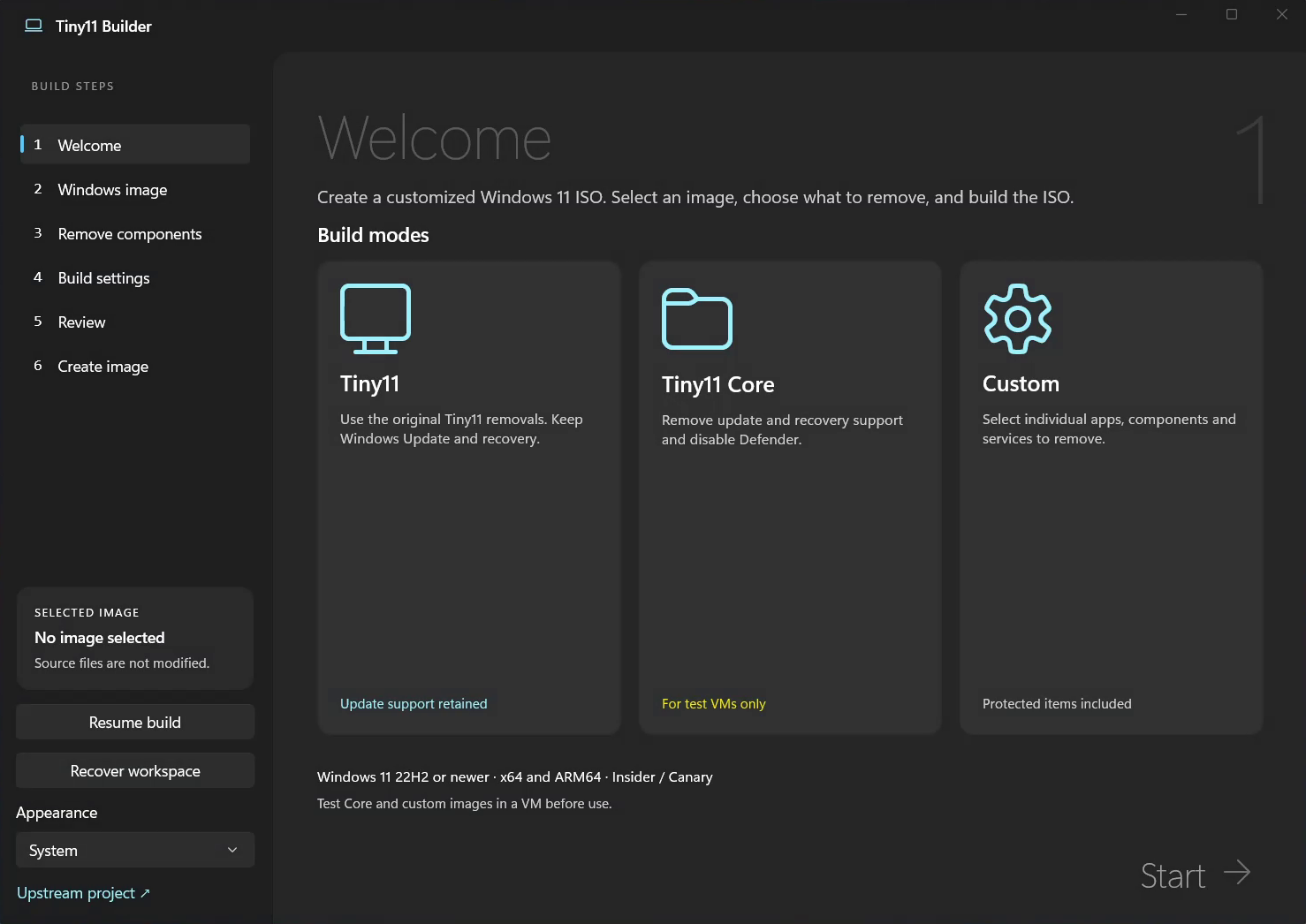
| Mode |
What it does |
| Tiny11 |
Removes bundled apps and unwanted features while keeping updates, Defender and recovery. |
| Tiny11 Core |
Trims further by removing servicing and recovery support and disabling Defender. |
| Custom |
Choose individual apps, components, features and services to remove or keep. |
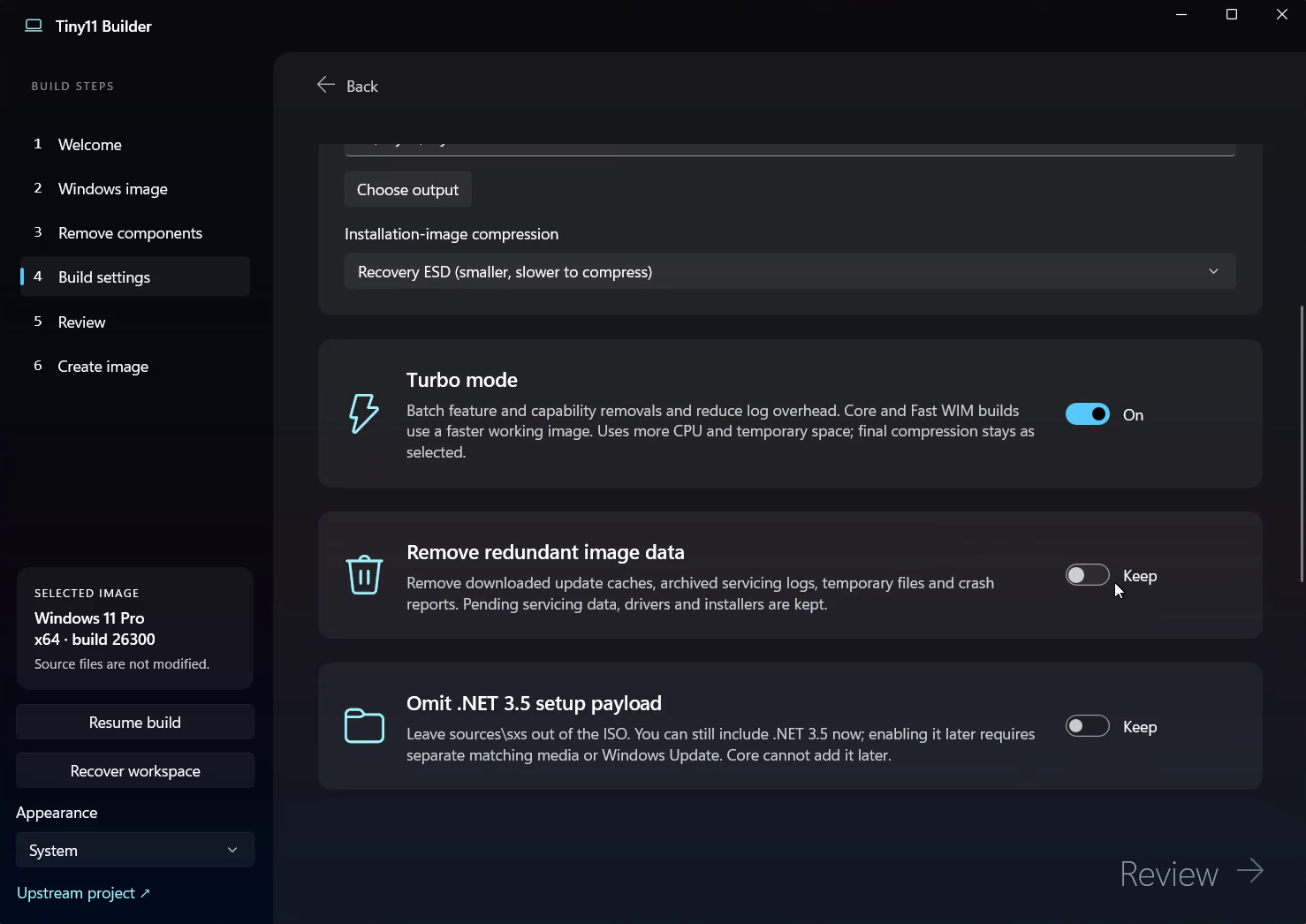
Turbo mode speeds up image processing. Interrupted builds can resume from saved
progress after the image is committed or compressed. Core and component-store
removals automatically use the legacy Windows installer.
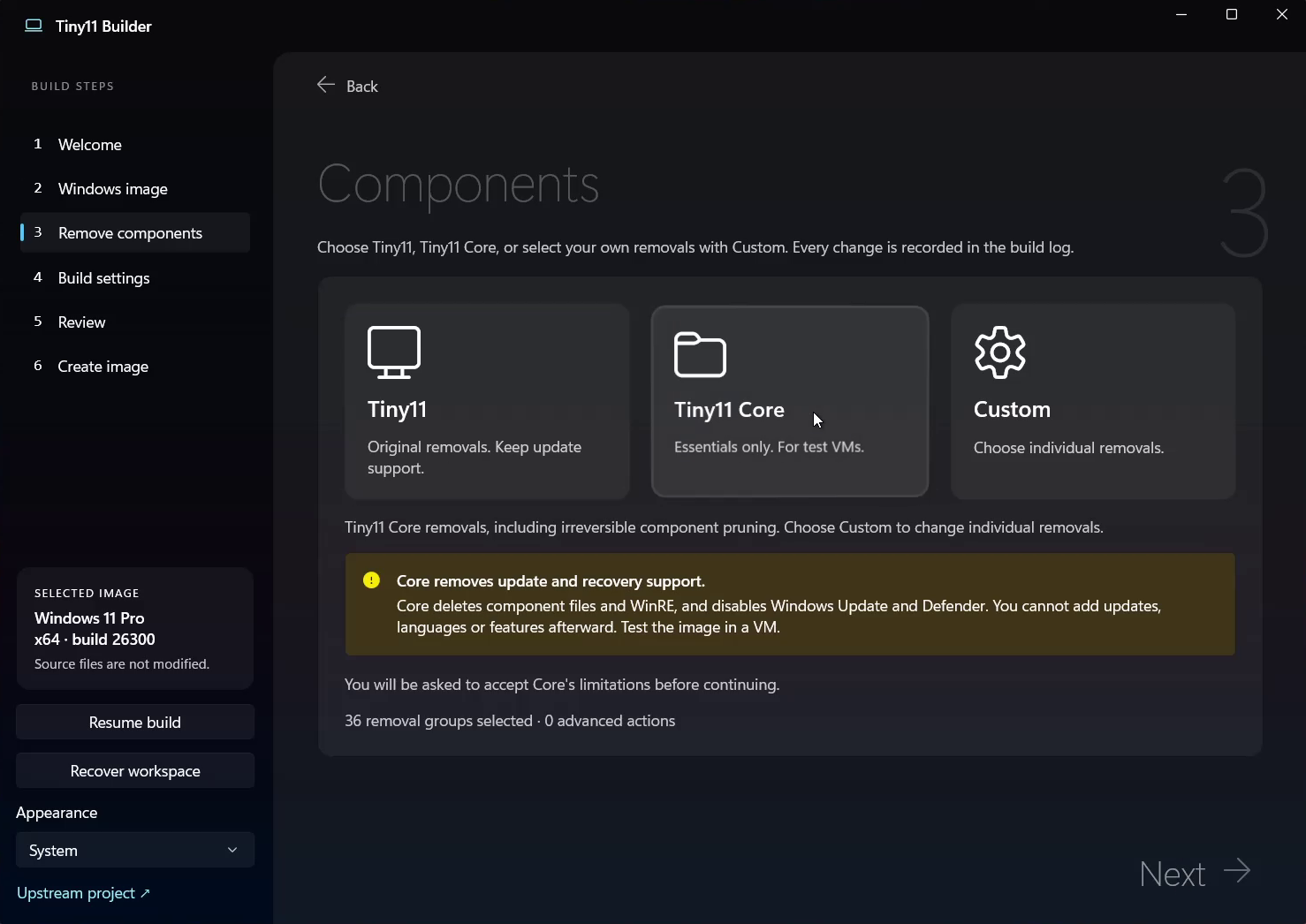
Core cannot be updated or serviced. Protected Custom removals can break
Windows. Test your ISO in a VM before installing it.
Video
Watch on YouTube
Screenshots
Welcome
Components
Build settings
More information
Usage, compatibility and build instructions ·
Attribution and distribution notes
The original PowerShell builders remain in this repository.
Support the project
GitHub Sponsors ·
Patreon ·
PayPal ·
Ko-fi
